

Facilities Reservation Guideline
Seminar and meeting rooms
Members of WPI-SKCM² and Hiroshima University are eligible to use several facilities within the Science Knot Building, including the 2F Seminar Room and the 4F and 5F meeting rooms. The following sections provide an overview of each facility, along with reservation guidelines.
2F Seminar Room (Room 205)
The 2nd-floor Large Conference Room (205) can be used for seminars, lectures, and meetings.
The room is equipped with:
- Integrated control panel
- Microphones
- Projectors
- Ceiling Camera
The room can be divided into two sections with the following capacity:
- Section 1: up to 84 people
- Section 2: up to 48 people
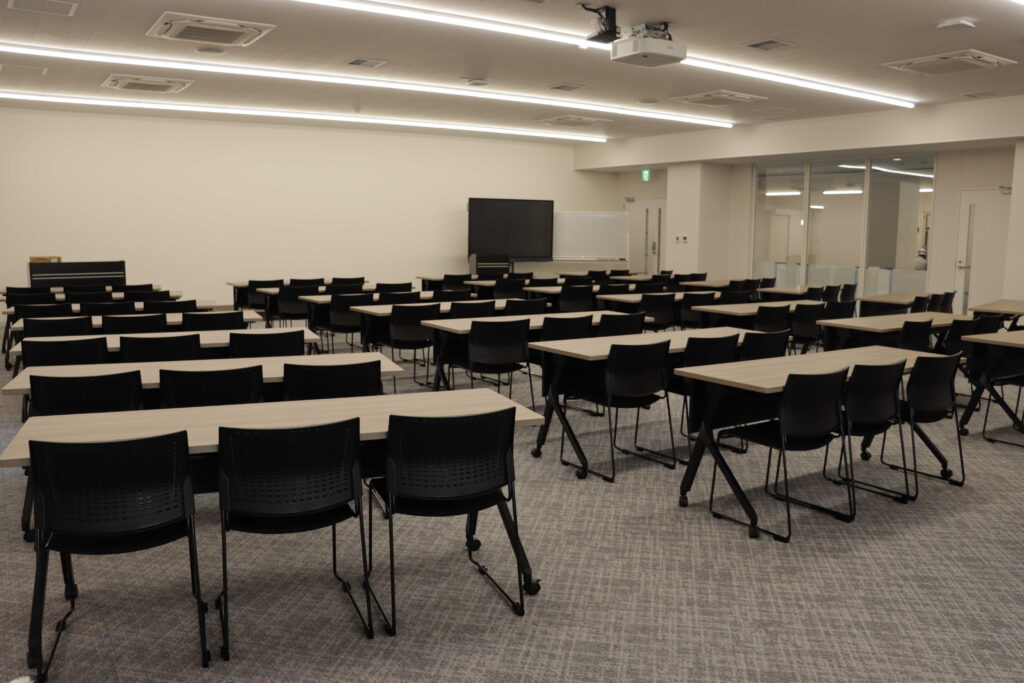
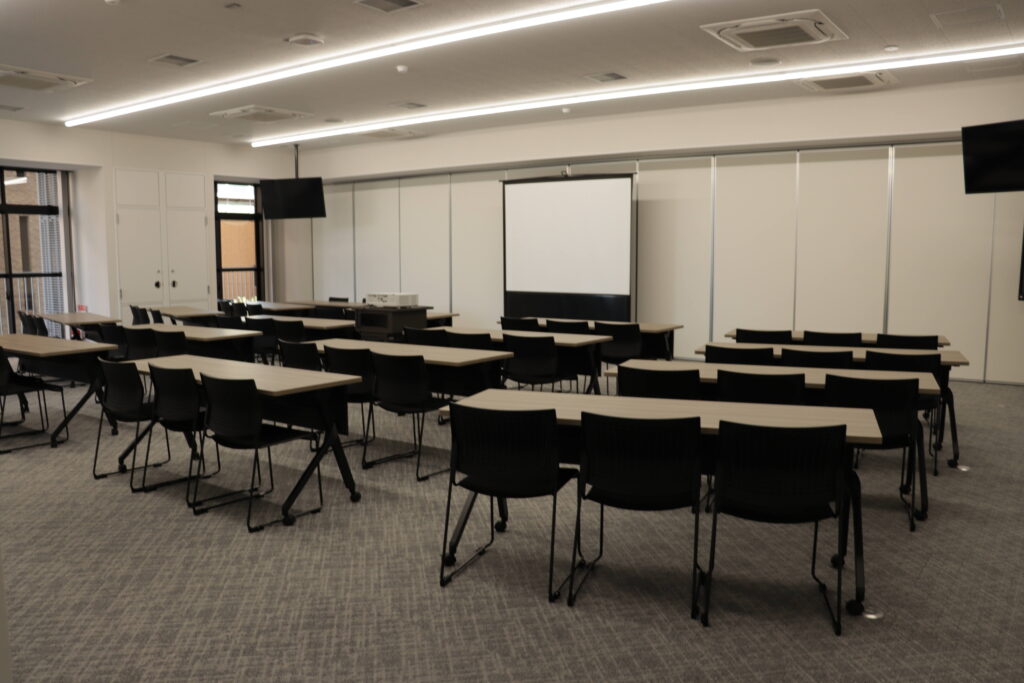
As the two sections are connected, they can be combined to accommodate up to 130 people in total.
Please note:
– The room is pre-reserved every Thursday from 11:00 to 14:00 for the SKCM² Seminar Series.
– Once your reservation is confirmed, please collect the key from the Support Office (5F).
After use:
After using the room, please ensure that:
- All electronic devices are turned off
- Equipment is returned to its original position
- Air conditioning/heater and lights are switched off
- Curtains are closed
- The doors are locked
- The key is returned to the 5th floor
The SKCM² Office is not responsible for lost items. Please take care of your personal belongings.
4F and 5F Meeting Rooms
Small meeting rooms are available on the 4th and 5th floors.
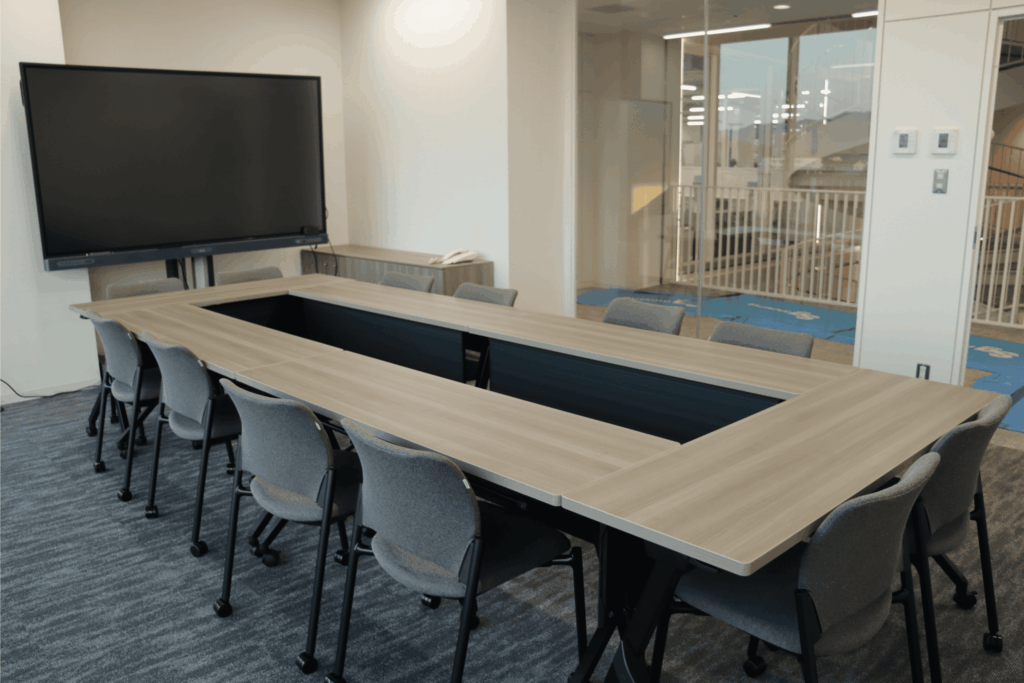
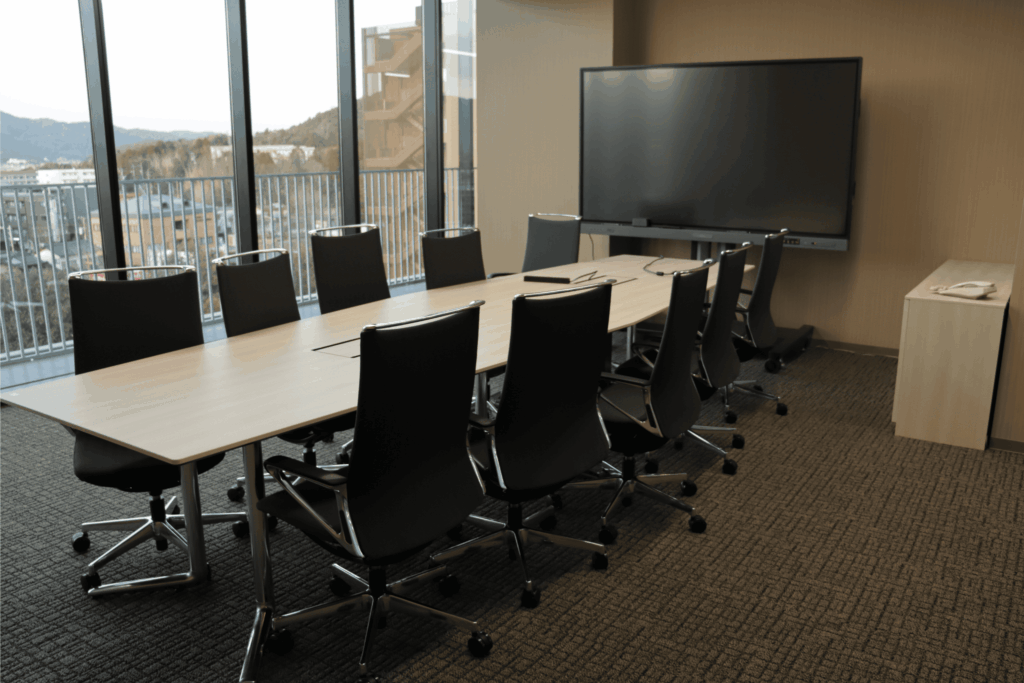
Seminar and Meeting Rooms Reservation
In order to use the facilities above, please fill out this form.
After reviewing your submission, a staff member will contact you regarding availability. For inquires, please contact the SKCM² Office (chiral-secretary_at_office.hiroshima-u.ac.jp/ ext. 4478, Attn: Uchibori).
Zoom meeting, Telecubes, LEAF, and Poster Printer
Zoom Meeting Reservation (SKCM² Pro Account)
The corporate Zoom account is prioritized for use by administrative staff. For personal meetings, please use your Hiroshima University Microsoft Teams account. However, the Zoom account may be reserved for hosting online or hybrid events, such as seminars.
To reserve the Zoom account, please email:
chiral-secretary_at_office.hiroshima-u.ac.jp
Please include:
- Reservation name and contact information
- Date, start time, and end time
- Purpose of use
The Support Office will confirm availability and send the meeting link.
Important:
If you need time to log in and prepare before your meeting, please include buffer time in your reservation (e.g., reserve from 10:30 if your meeting starts at 11:00).
Telecubes
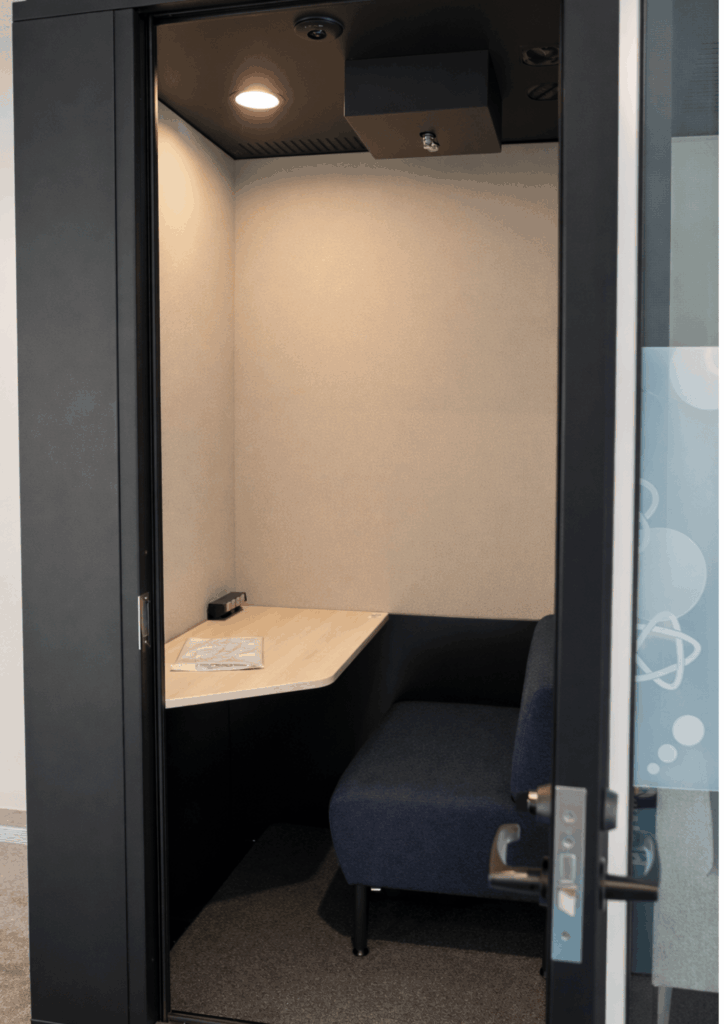
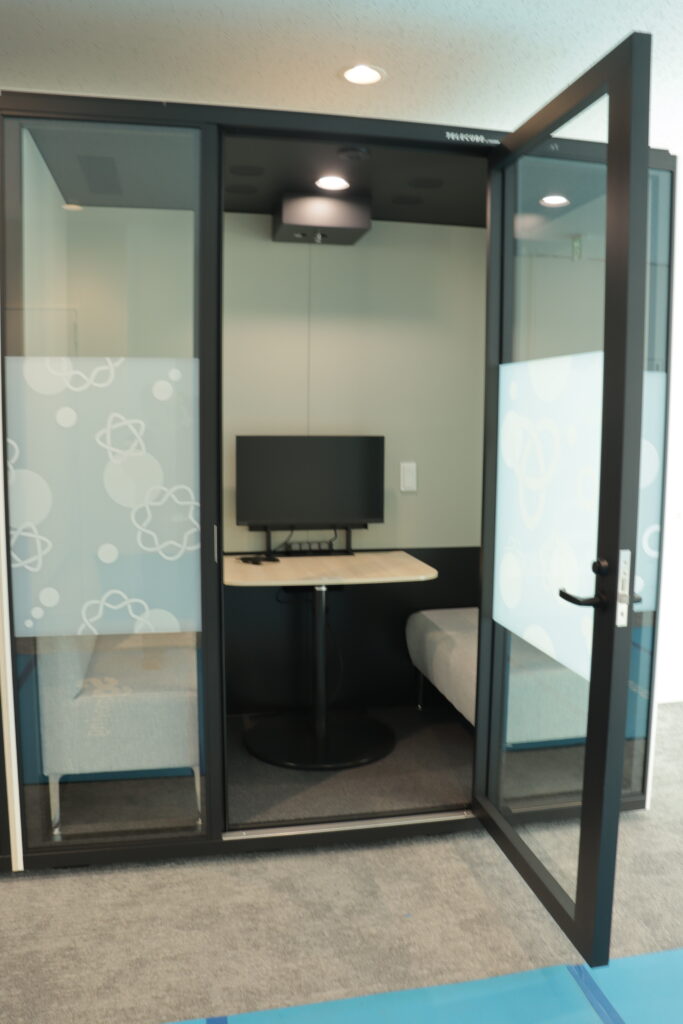
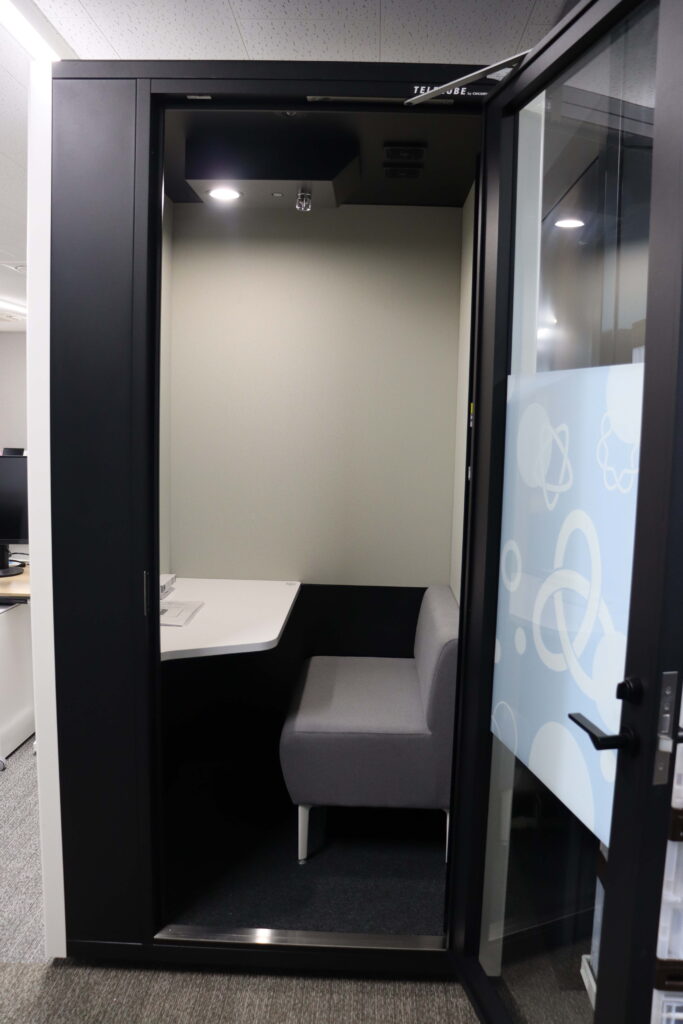
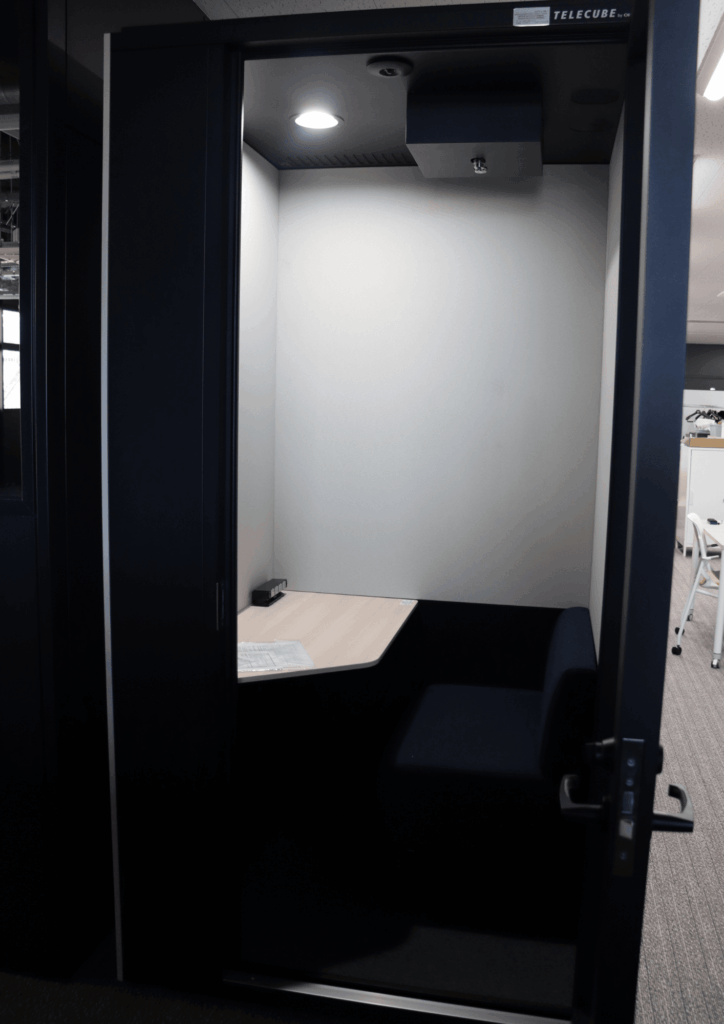
Telecubes are available for members who require a private space for online meetings or focused work.
There are four telecubes available:
- Two on the 1st floor (available to both SKCM² members and non-members). One room accommodates one person, and the other accommodates two people.
- Two on the 5th floor (for SKCM² members only). Each room can accommodate one person.
The reservation system differs depending on which telecubes you wish to use.
1F Telecubes (Paper Reservation)
Reservations are managed using a paper calendar posted in front of the telecube.
Please:
- Check available time slots on the paper calendar
- Write your name and usage time in an available slot
5F Telecbues (Google Calendar Reservation)
Reservations are managed via Google Calendar.
Please access the calendar below and enter your name and contact information in an available time slot:
Telecube 5A – Slot reservation
Telecube 5B – Slot reservation
General Rules for Telecube Use
- Turn off the lights after use.
- Ensure that no trash is left behind.
- Keep within your reserved time.
Nissan LEAF (Shared Vehicle)
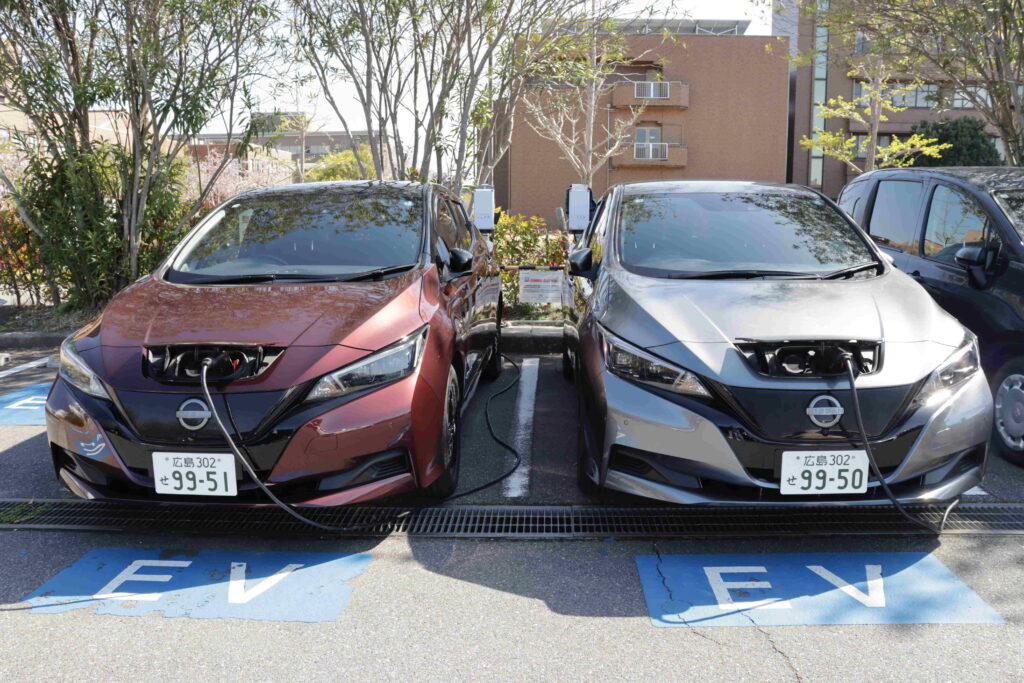
Nissan LEAF vehicles are available for members of Hiroshima University. WPI-SKCM² members may be eligible to use these vehicles subject to certain conditions.
For detailed information and reservation procedures, please refer to the LEAF Vehicle Usage Guidelines
If you have any questions or require assistance, please contact the Support Office at:
chiral_at_office.hiroshima-u.ac.jp
Poster printer
SKCM² members may print a poster free of charge when participating in an academic event.
Please review the poster printing policy before submitting your request.
To print a poster, please submit the request form via this form.